Signal Blocks AI Screenshots: How It Stops Siri and Gemini Reading Your Chats (2026)
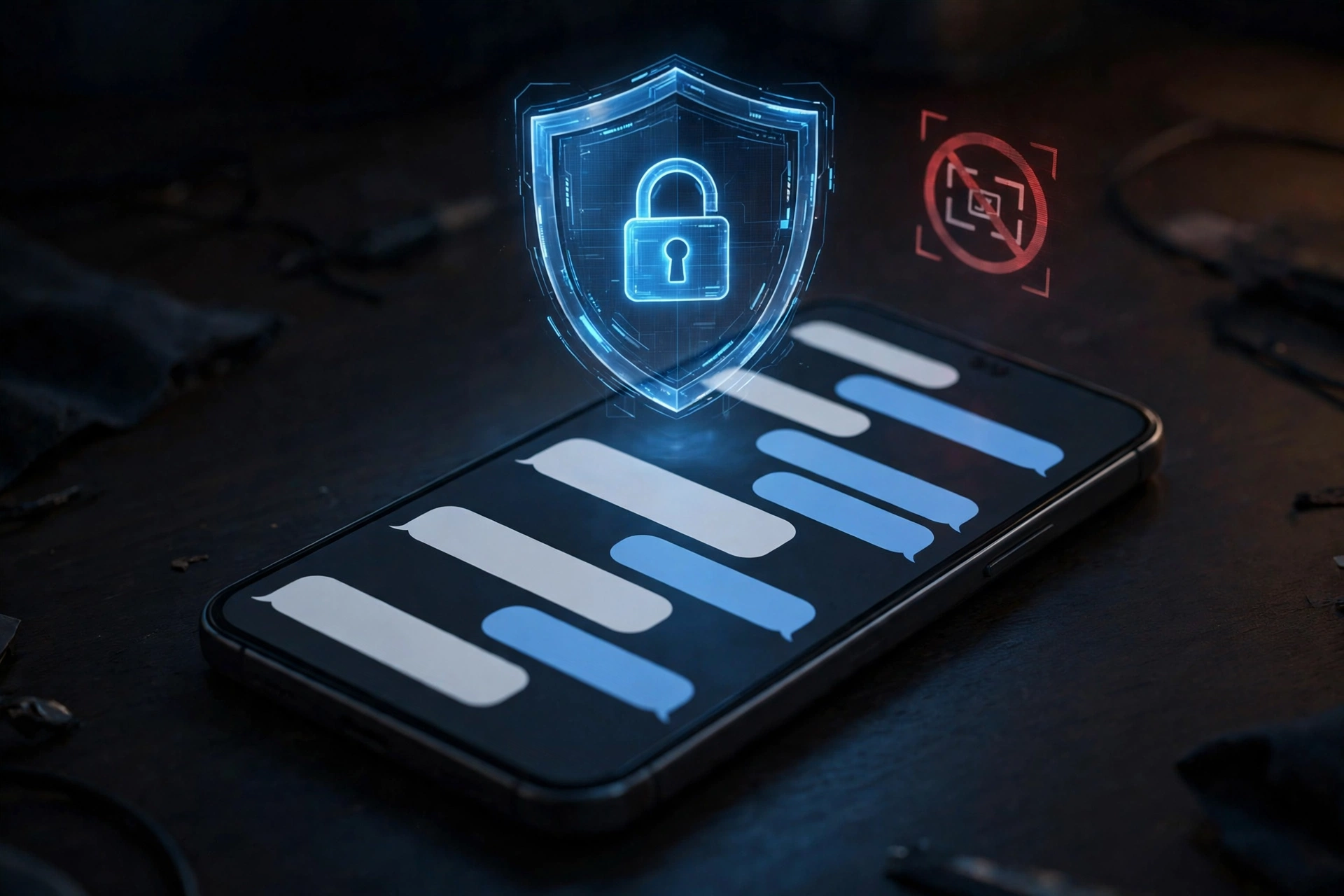
Signal blocks AI screenshots by default from 20 November 2026, in a direct response to the AI assistants now built into the operating systems of our phones. The encrypted messaging app announced the change on Friday: the AI agents inside iOS and Android can read whatever is on your screen, including your private chats, and it will no longer let that happen quietly.
Encryption protects messages while they travel between phones. The problem starts after a message arrives: once it is on your screen, an AI assistant built into the operating system can capture it with a screenshot and read the text. Signal blocks AI screenshots to close that gap.
What Signal announced on 20 November 2026
Signal president Meredith Whittaker announced the change in a blog post on Friday, 20 November 2026: from now on, Signal blocks AI screenshots inside the app by default on iPhones running iOS 27, and switches on Screen Security on Android whenever it detects an AI assistant trying to read the screen.
Whittaker wrote that Google, Apple and Microsoft’s “agentic AI integrations are changing this environment in a way that’s making it increasingly hostile to privacy. This is an existential threat to Signal and our ability to responsibly uphold our mission.”
The protections are on by default. If Signal detects a screenshot attempt or an AI assistant trying to access the screen, you will see a prompt offering to turn the protection off. Signal warns against doing that, because switching it off can expose not only your own messages but also messages sent to you by your contacts.
How Signal blocks AI screenshots on iPhone
On iOS 27, Signal blocks AI screenshots inside the app and in the App Switcher, the view when you swipe between open apps. It also adds a setting called “Block Siri AI”, which stops Apple’s assistant scanning Signal content.
This matters because Siri’s on-screen awareness looks at whatever you are viewing to answer questions or carry out tasks. But it treats a private conversation as just another screen to read.
The Electronic Frontier Foundation points to a second layer in iOS 27.2: open Settings, then Siri, then Excluded Apps, and add Signal there. That blocks Siri’s access, including on-screen awareness, at the system level rather than inside Signal alone.
How it works on Android
Android works differently: Signal automatically switches on Screen Security when it detects an AI assistant, such as Google’s Gemini Intelligence, trying to capture the screen. The block is reactive — it turns on the moment an assistant reaches for your display.
Signal is open about the limits: it can only detect those attempts on some Android versions, so the protection does not work the same way on every phone. Older or heavily customised versions may not trigger the block at all, so Android users should check the setting in the app rather than assume they are covered.
What about Windows and Mac?
On Windows 11, Signal already blocked AI screenshots by default in 2025, to keep chats out of Microsoft Recall — the feature that takes regular snapshots of your screen.
On macOS, Signal says it cannot reliably block screenshots at all, because Apple does not give developers the tools. Mac users must add the app to the excluded-apps list themselves, under System Settings and then Siri — the only protection available there for now.
Why Signal calls AI agents “hostile to privacy”
Signal is also worried about third-party agents such as Meta’s Muse: Reuters reported this week that Muse had been shown messages from Signal chats through permissions granted during setup, and that it was able to bypass its own official restrictions.
Assistants built into the operating system sit underneath the app and can see what it shows. An app can encrypt messages and hide previews, but once the operating system itself is reading the screen, those protections no longer decide who sees your words.
A messaging app cannot promise privacy if the phone it runs on hands the conversation to an AI agent. Whittaker’s message to Apple, Google and Microsoft is that developers need documented, reliable ways to opt their apps out of AI data access entirely — screen reading, notifications, filesystem access and system APIs — without breaking ordinary features such as screenshots.
What Signal blocks AI screenshots cannot do
Blocking AI screenshots stops one route into your chats, but it does not stop an agent reaching content already stored on the device through the filesystem, and it cannot protect messages on someone else’s phone.
If the person you are chatting with has switched the protection off, their AI assistant can read your messages on their device, no matter how careful your own settings are. Privacy in a conversation is only as strong as the weakest phone in it.
macOS has no screenshot block, Android detection varies by version, and an agent with filesystem access does not need a screenshot in the first place. The same lesson applies more widely: the AI coding agents security risks covered here on 9 November show how quickly a helpful agent can become a leak when given broad access.
What you should do now
- Update Signal on every device you use, so the new protections are active.
- Leave the protection on. Do not turn it off just to take a screenshot; copy the text you need instead.
- On iPhone, check the new “Block Siri AI” setting in Signal, and add Signal to Siri’s Excluded Apps in Settings.
- On Android, confirm Screen Security is on in Signal’s privacy settings, especially on an older Android version.
- On Mac, add Signal to the excluded-apps list under System Settings, then Siri.
- Talk to your contacts: your messages are also visible to the AI assistants on their phones.
Frequently asked questions
Does Signal blocking AI screenshots stop me taking screenshots of my own chats?
Yes, by default on iOS 27. You can turn it off in Signal’s settings, but Signal warns that doing so can expose your messages — and messages your contacts sent you — to AI assistants that read the screen.
Can AI assistants still read my Signal messages?
Possibly. The block closes the screenshot route, but an assistant may still reach content stored on the device through the filesystem, and it can read your messages on the other person’s phone if their protection is off.
Is Signal still the most private messaging app?
Signal is widely regarded by privacy advocates as a leader in secure messaging, and this move strengthens that position. But no app can fully control what the operating system does, which is why Signal is asking Apple, Google and Microsoft for proper opt-out tools. Until those exist, Signal blocks AI screenshots as the strongest step an app can take on its own.
The AI assistants on our phones grow more capable every month, and each new capability is another way for them to see our private conversations — Gemini 4 Neon, Google’s new mid-tier model, shows how fast this is moving. The question is no longer whether your phone’s AI can read your screen, but whether you have decided it should be allowed to. On 20 November 2026, Signal made its decision for you, and left the switch in your hands.